
Here’s why your phone keeps disconnecting while driving in South Africa


Cars that use Android Auto and Apple CarPlay may encounter frequent connection interruptions between infotainment systems and smartphones.
This is due to general wireless communication interference disrupting the connection between the car and the smartphone.
Android Auto and Apple CarPlay are now almost standard features in modern cars, serving as a form of phone mirroring software that provides driving-optimised apps for navigation, music playback, and other helpful features while on the road.
Since these apps can drastically enhance infotainment systems without the need for high research and development costs, most carmakers have embraced the technology.
Importantly, a car only needs a moderately-sized screen and Bluetooth and Wi-Fi modules for establishing the connection to support this software.
USB connections are also supported; consequently, even South Africa’s most affordable cars support Android Auto and Apple CarPlay.
However, MyBroadband readers and forum members have reported experiencing frequent wireless Android Auto and Apple CarPlay disconnections when passing specific locations.
This includes areas such as the Buccleuch intersection in Johannesburg, where the N1, M1, and N3 highways meet and the John Vorster and Olievenhoutbosch intersection in Centurion.
Toll gates and gantries also reportedly disrupt connections when drivers pass through them.
These connection issues aren’t exclusively a South African issue either, as there have been numerous reports from online users with similar stories from the rest of the world.
Based on this data, both local and international, the most likely cause of the disruptions is interference from other devices that use radiofrequency (RF) transmission to communicate.
This includes telecoms antennas and RF identification (RFID) scanners.
Bluetooth and Wi-Fi
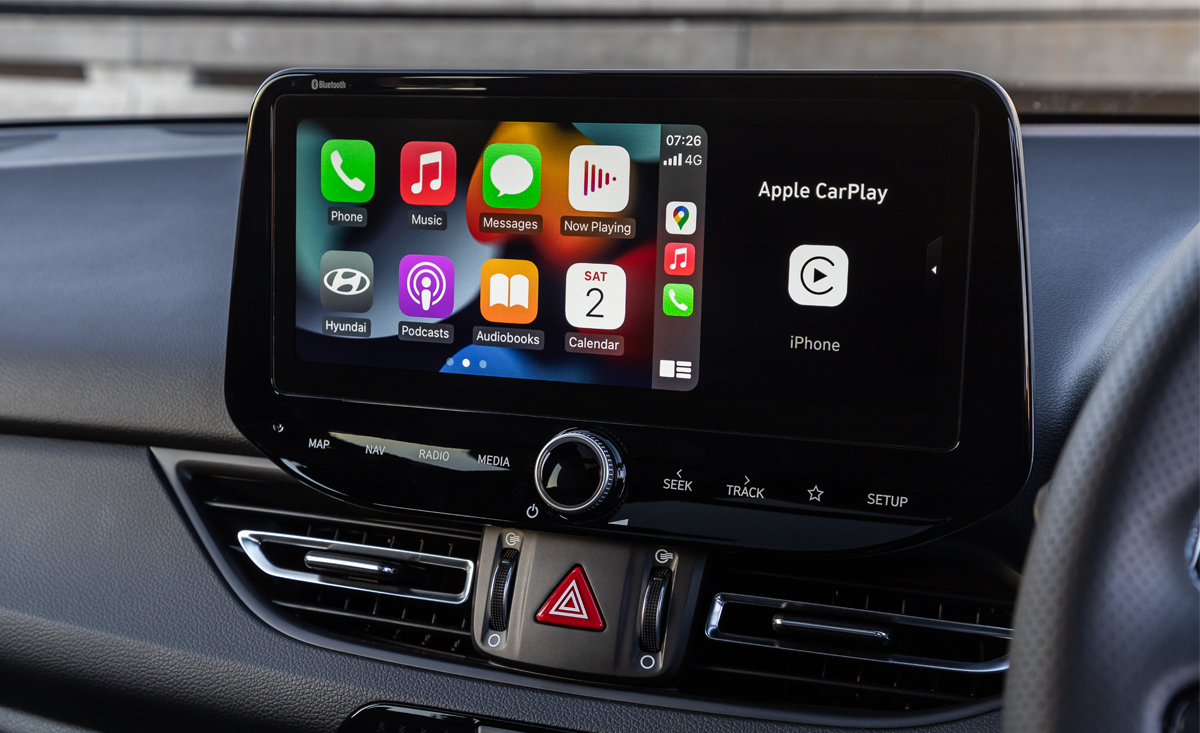
Another interesting detail is that users have found that often, their Bluetooth connections persist even when the Wi-Fi connection is disrupted.
This is due to how the two interact to form the connection with your smartphone.
Bluetooth usually serves as the “handshake” connection between the two devices, while Wi-Fi comes in and takes over after this to enable faster data transmissions.
Since Bluetooth devices operate on a much narrower frequency band and lower power, other Bluetooth devices are unlikely to interfere with yours.
Wi-Fi, however, operates over much greater distances and uses a far wider range of frequencies, such as with Internet Service Providers, which transmit data using Wi-Fi through tower-client or tower-tower communication.
Due to having this wider frequency spectrum and increased power, errant Wi-Fi connections are far more likely to interfere with your connection.
Unsurprisingly, many reports of disruptions by South African drivers are for areas with large wireless communication arrays nearby.
Toll gates and gantries are also sometimes equipped with RFID equipment, which can interfere with your connection.
Sadly, there is no concert solution to this issue; instead, the best workaround is to connect your smartphone with a cable.
Additionally, it’s worth checking for other issues if you’re having frequent disconnections in areas where you technically shouldn’t.
Updating the software or changing certain settings, for instance, can sometimes resolve the problem.





 Loading ...
-facelift-2-2025.10.webp)

